Art direction and asset management for digital media studios
From idea to in-engine, every step of the way.
Texture painting, rigging, motion capture, animation, sprites and audio.
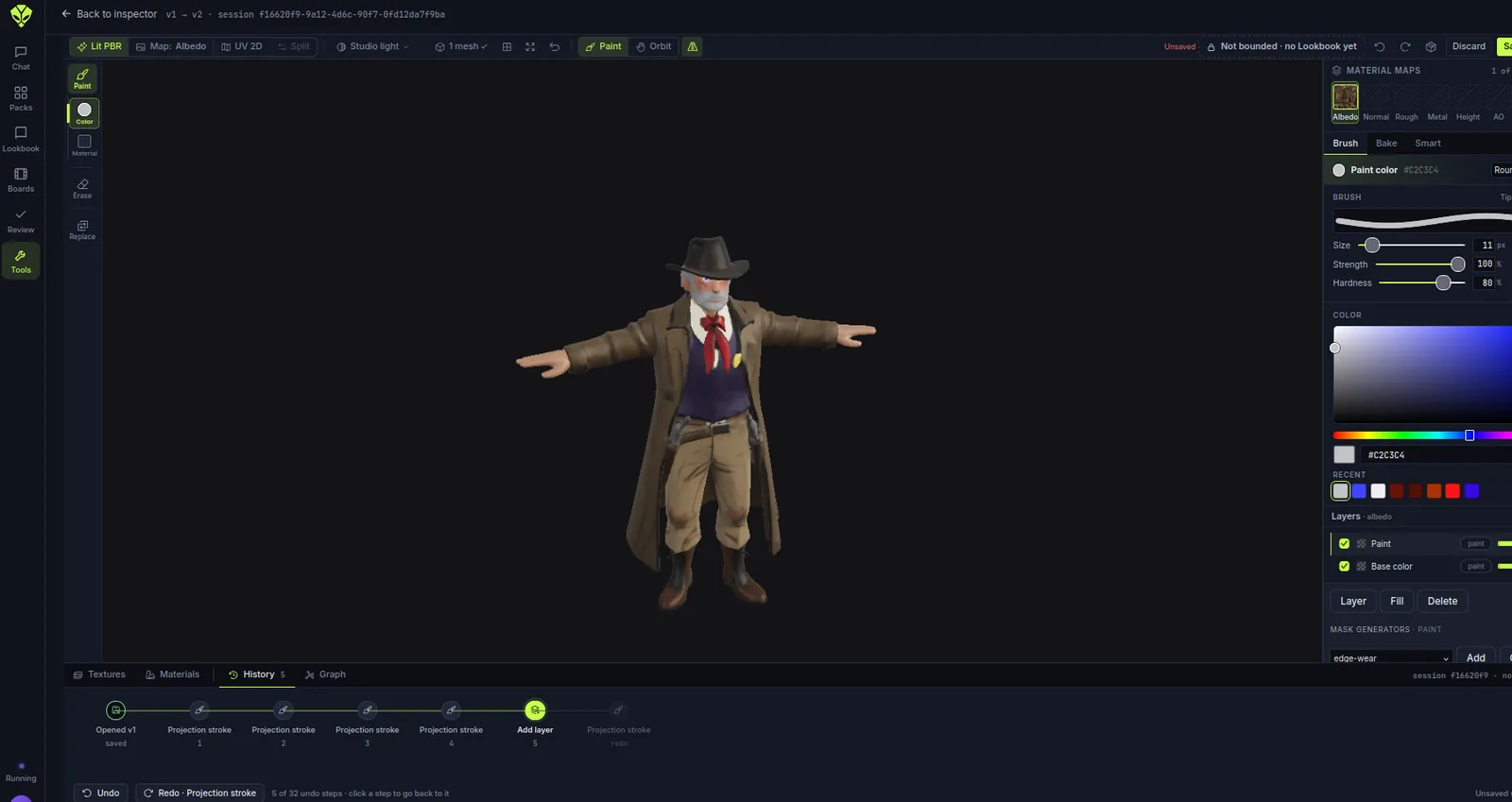
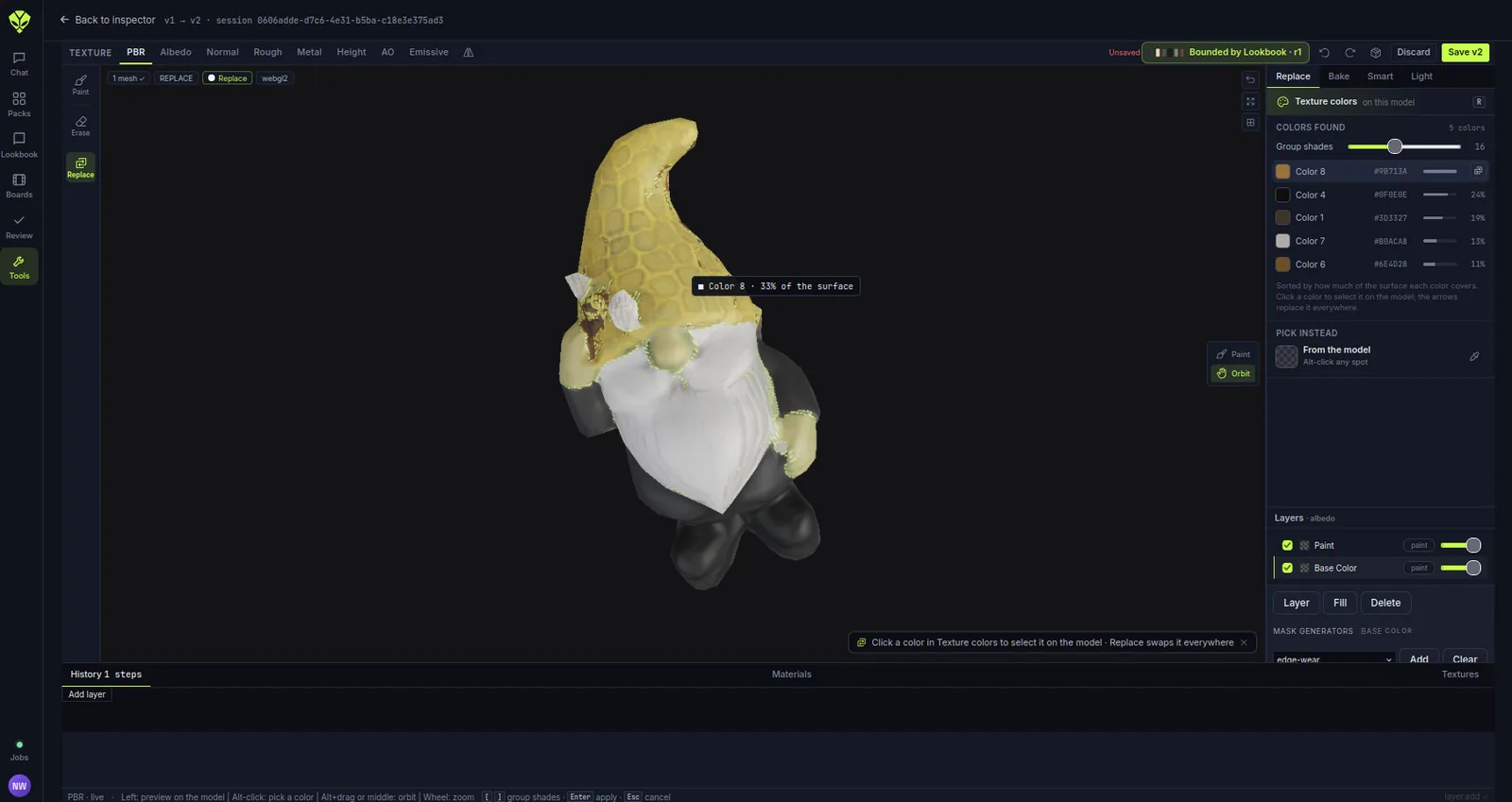
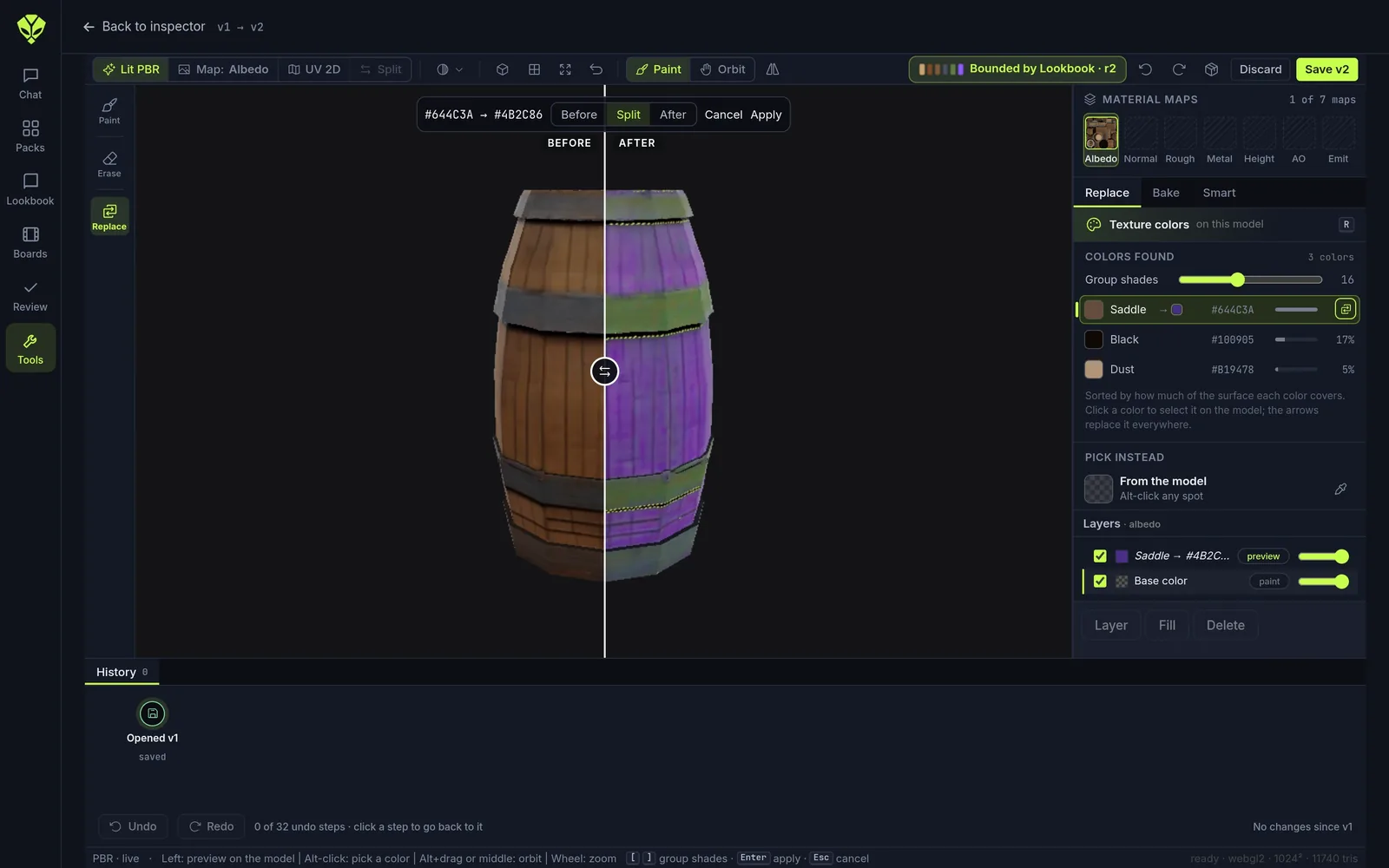
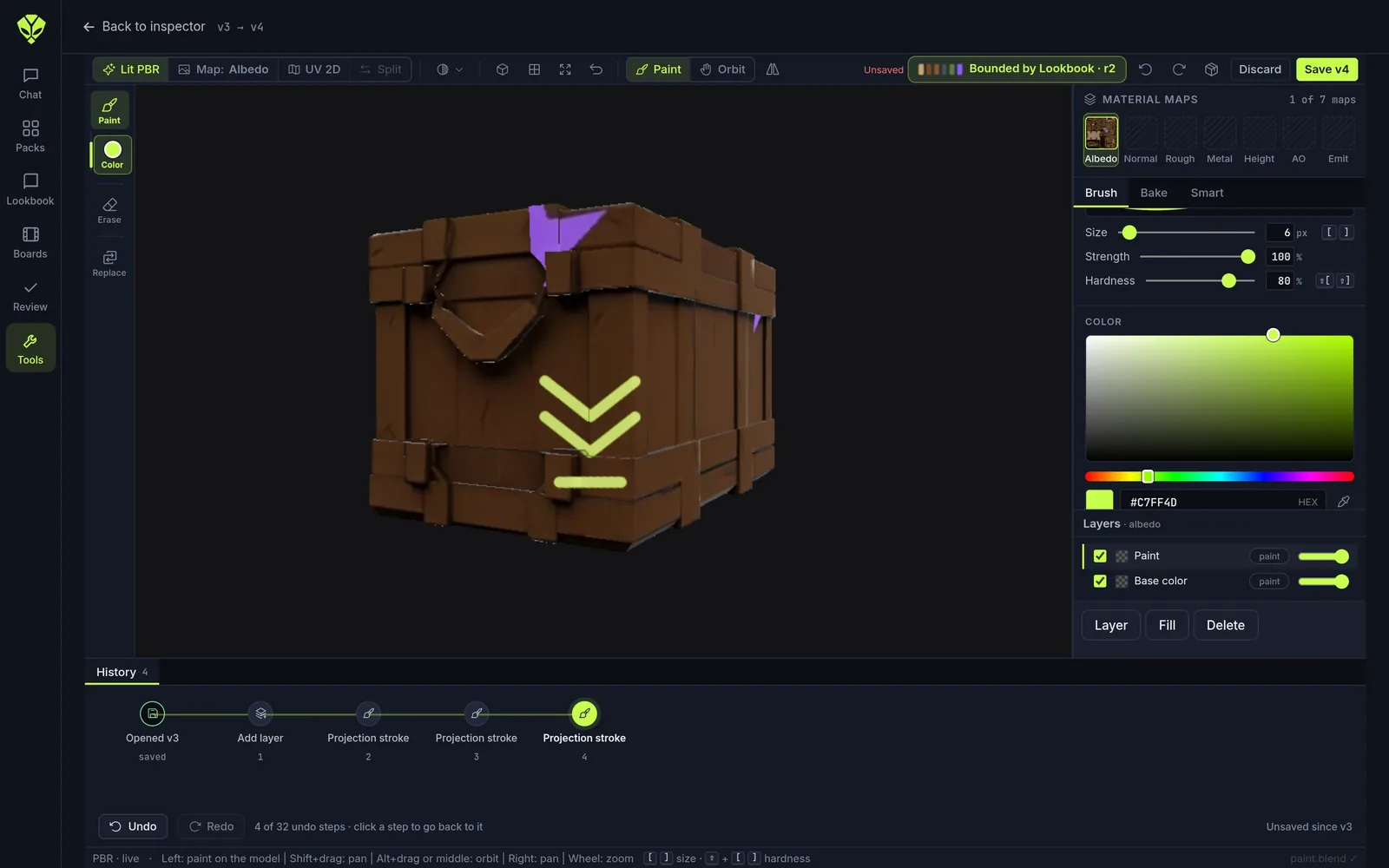
Texture Studio: paint on the model, every PBR map at once.
A layer stack for each map: albedo, normal, roughness, metal, height and AO. Replace colors, place decals, add edge wear, then bake.
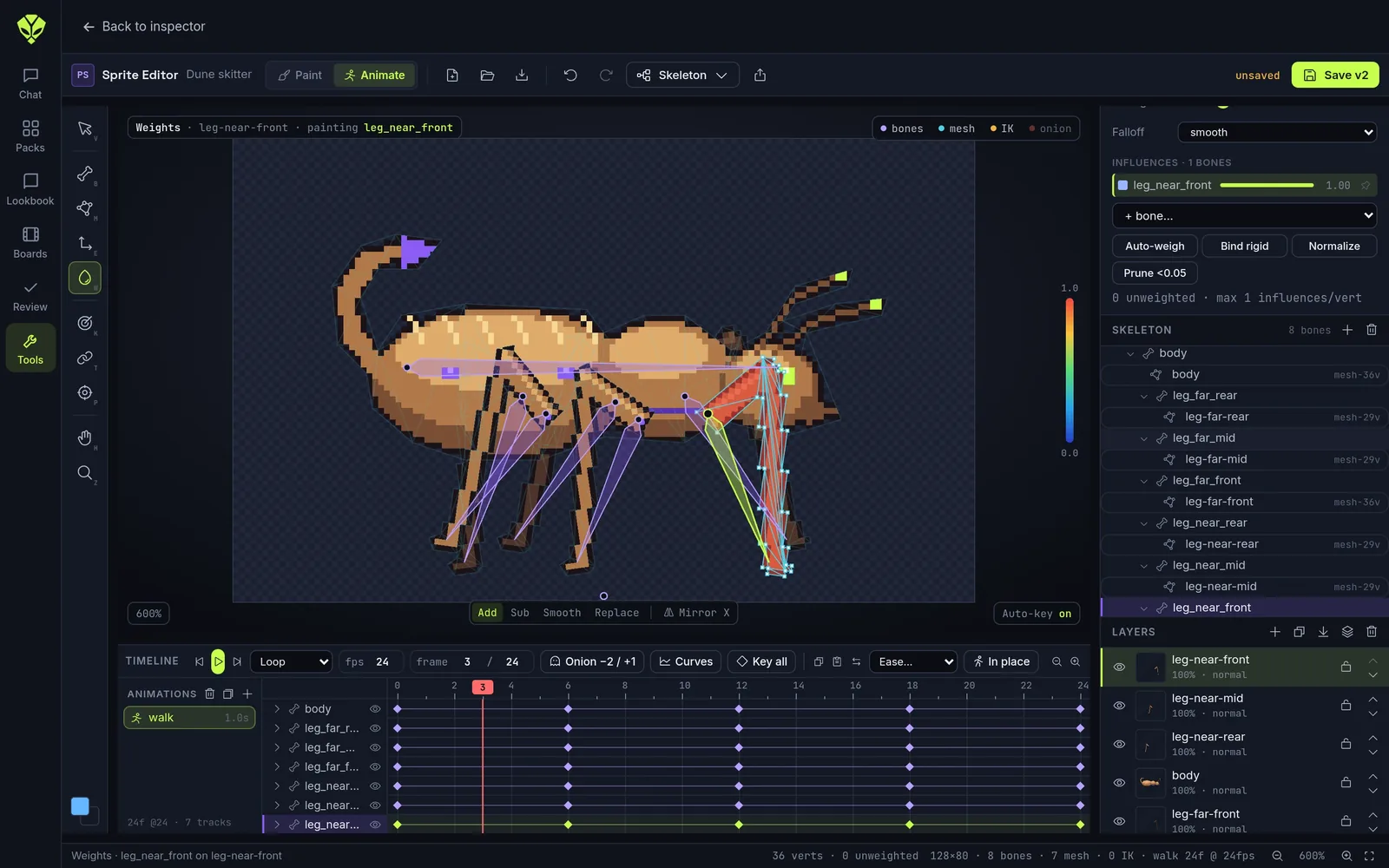
Sprite Editor
Pixel art, layers, and bones for 2D skeletal animation. Exports sprite sheets for your engine.
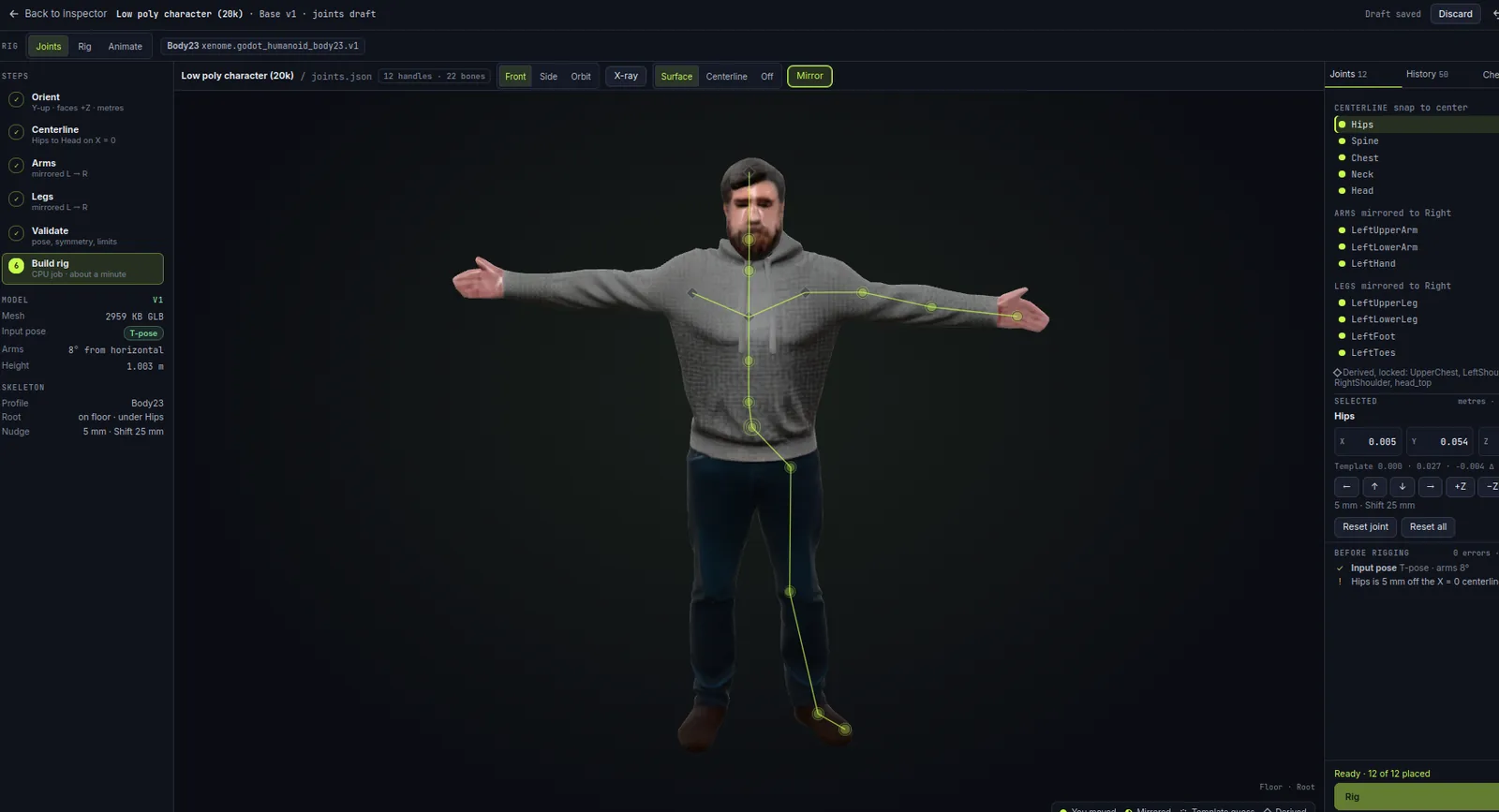
Rig Studio: rig a character in about a minute.
Place the joints on the model, mirrored left to right. Xenome checks them and builds the rig.
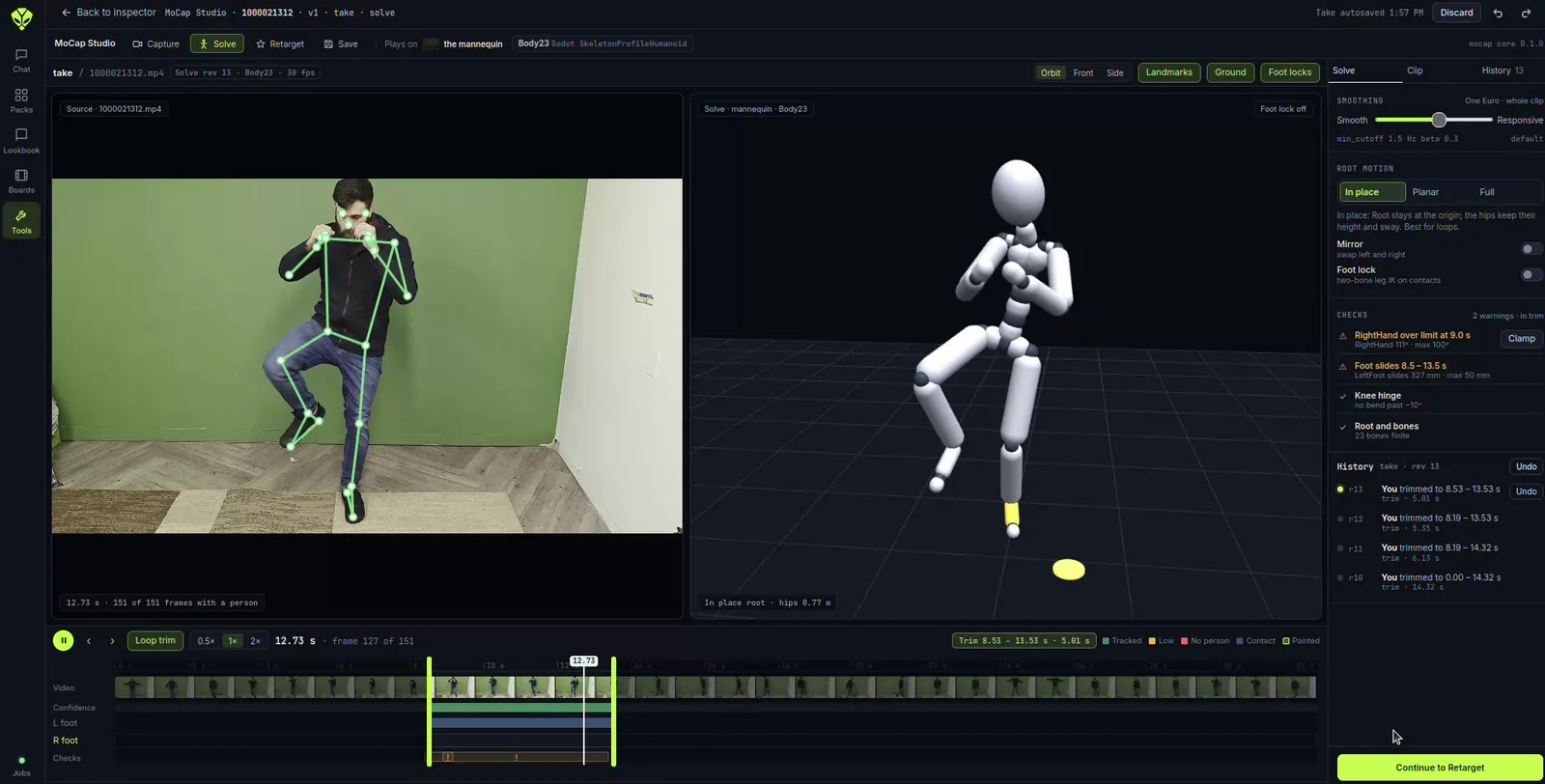
MoCap Studio: act it out on a webcam.
Record a take on your webcam or upload a video. Trim it, smooth it, lock the feet and clamp joints that bend too far.
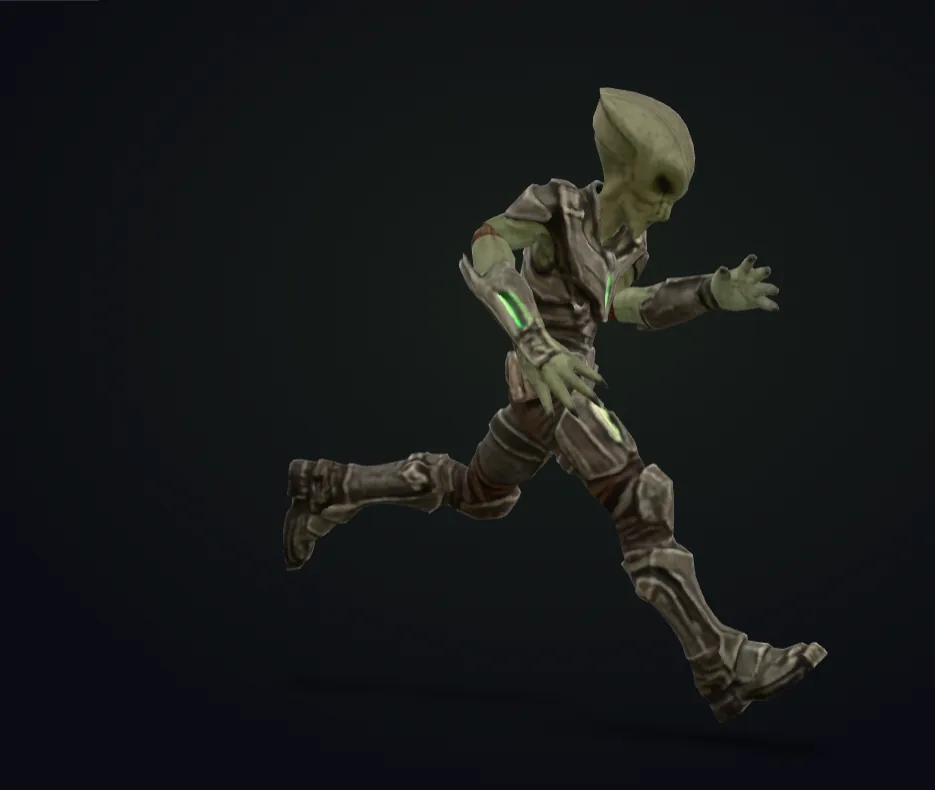
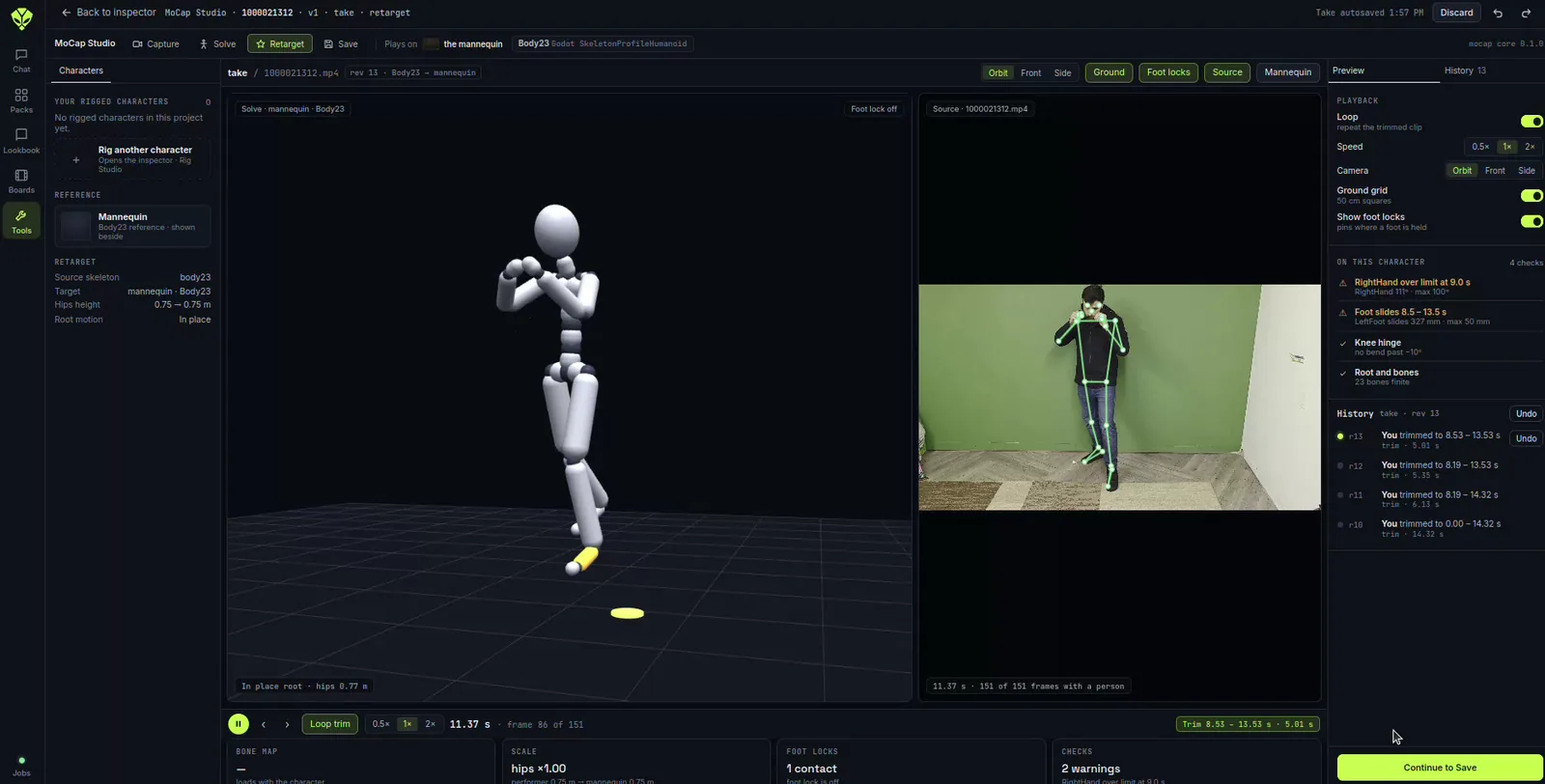
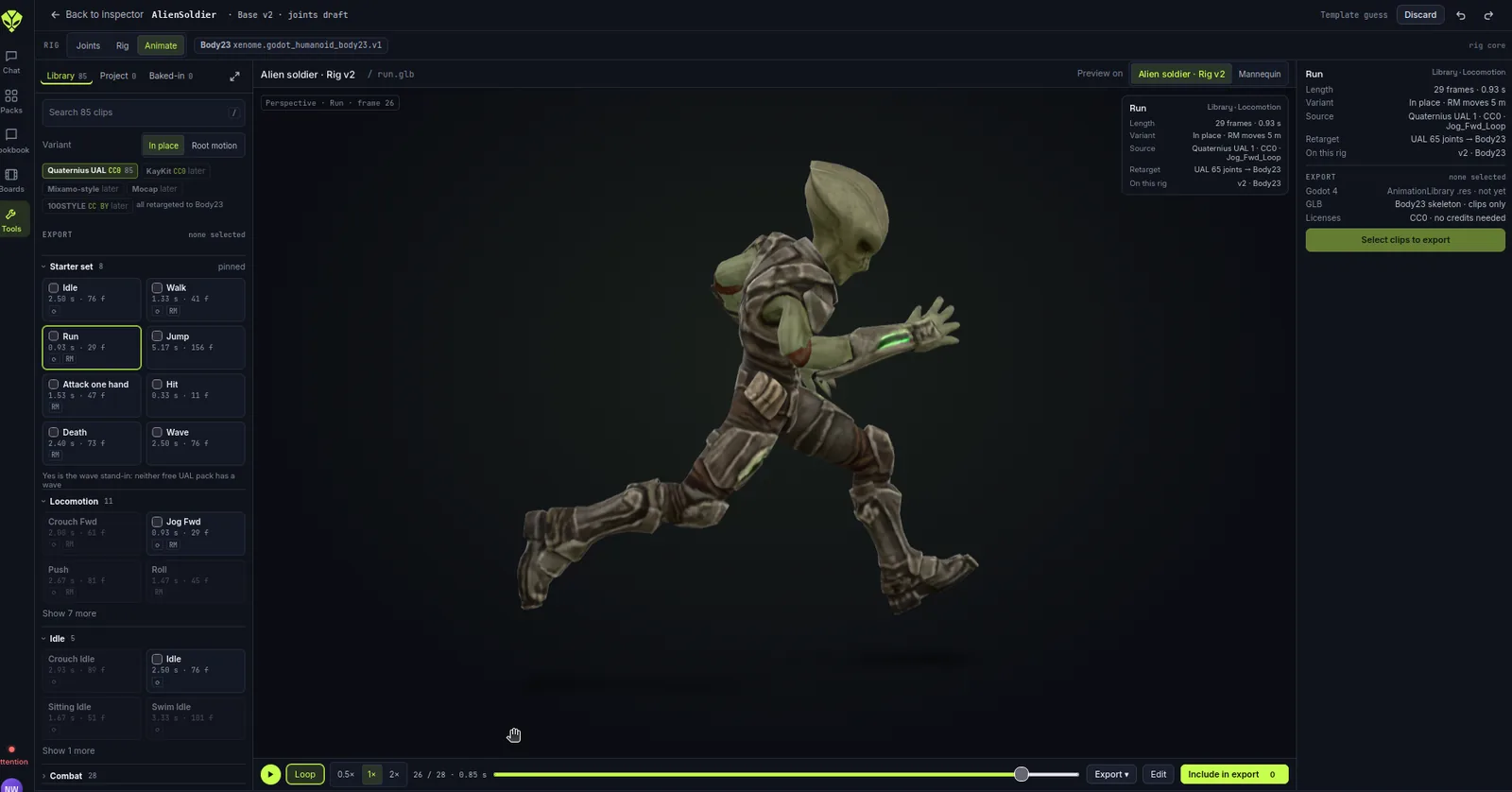
Get your mesh in motion.
Retarget a take to any rigged character, or start from 85 library clips. Edit them, then export what you need.
Voiceovers, sound effects, music composition.
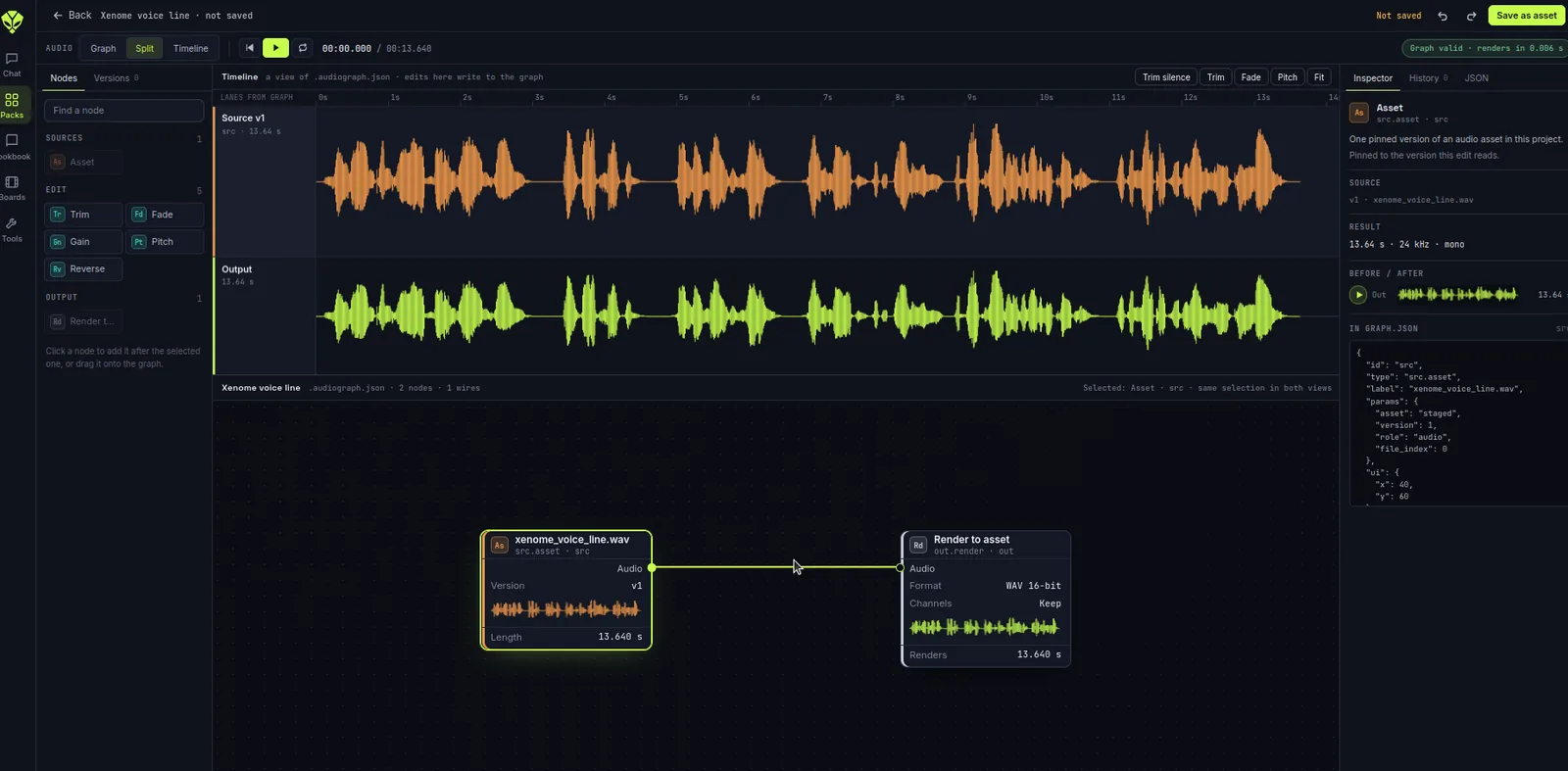
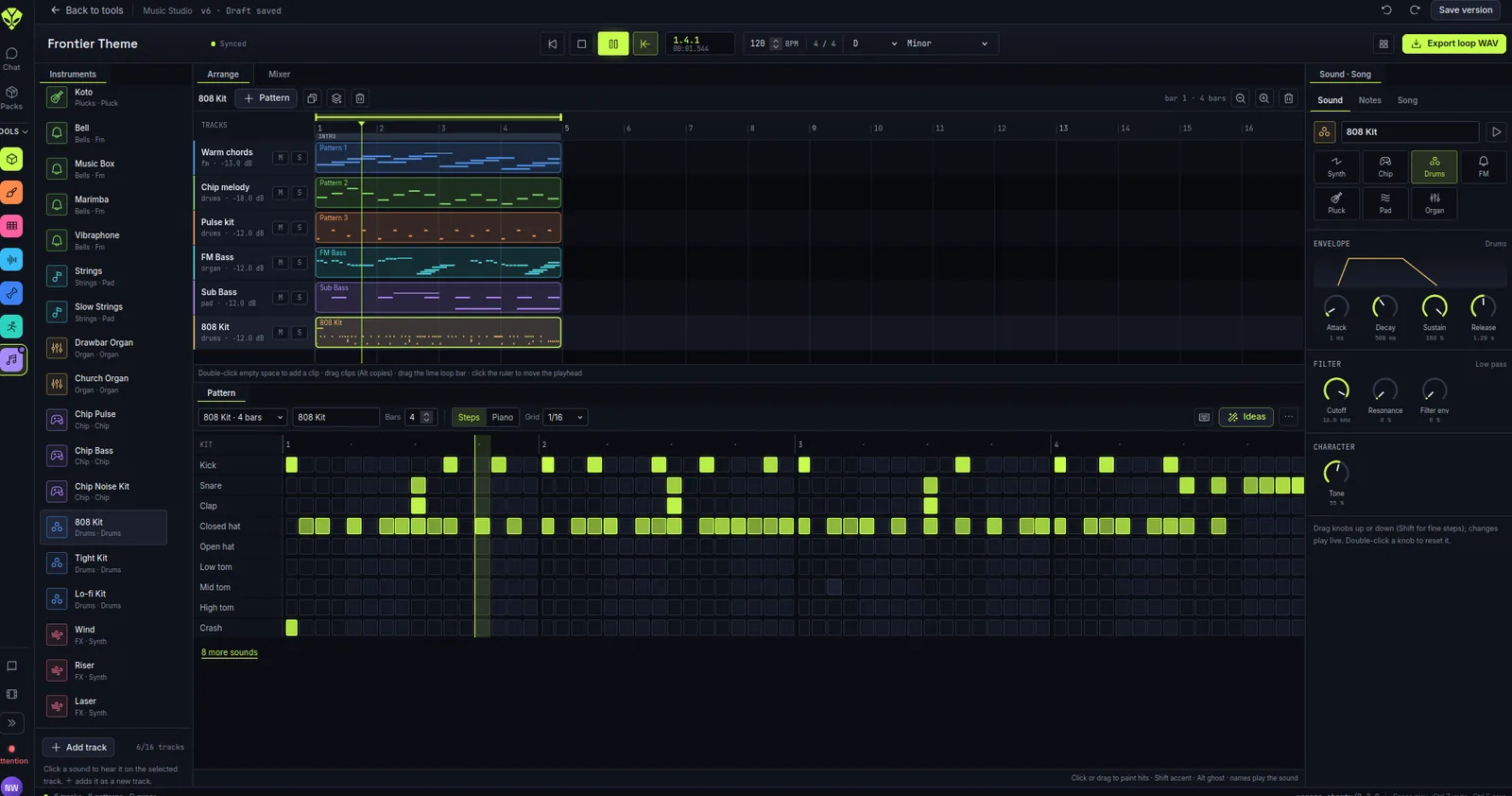
Edit audio as a node graph in the Audio Workbench. Write music in Music Studio and export loops as WAV.
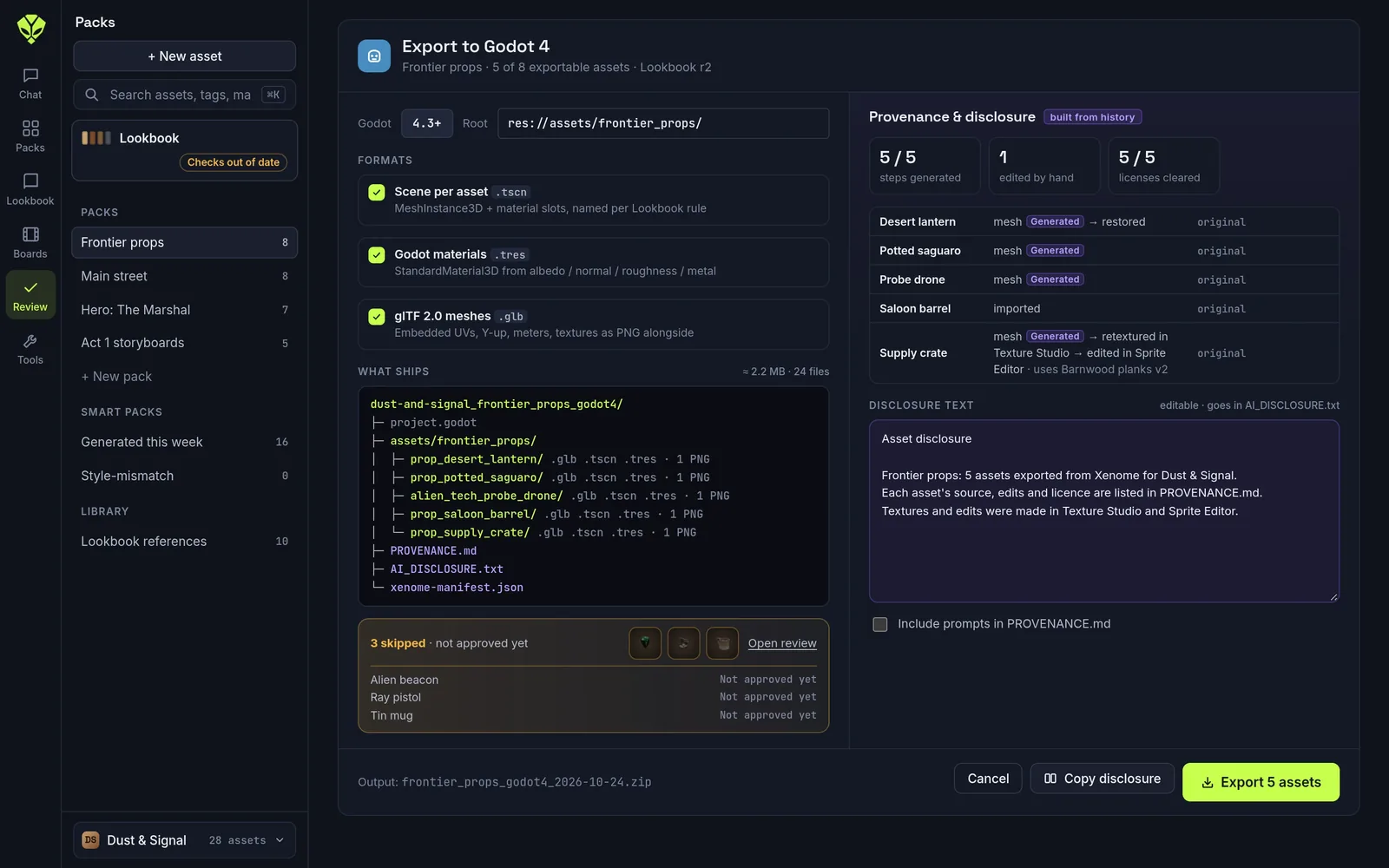
Review the pack and export it.
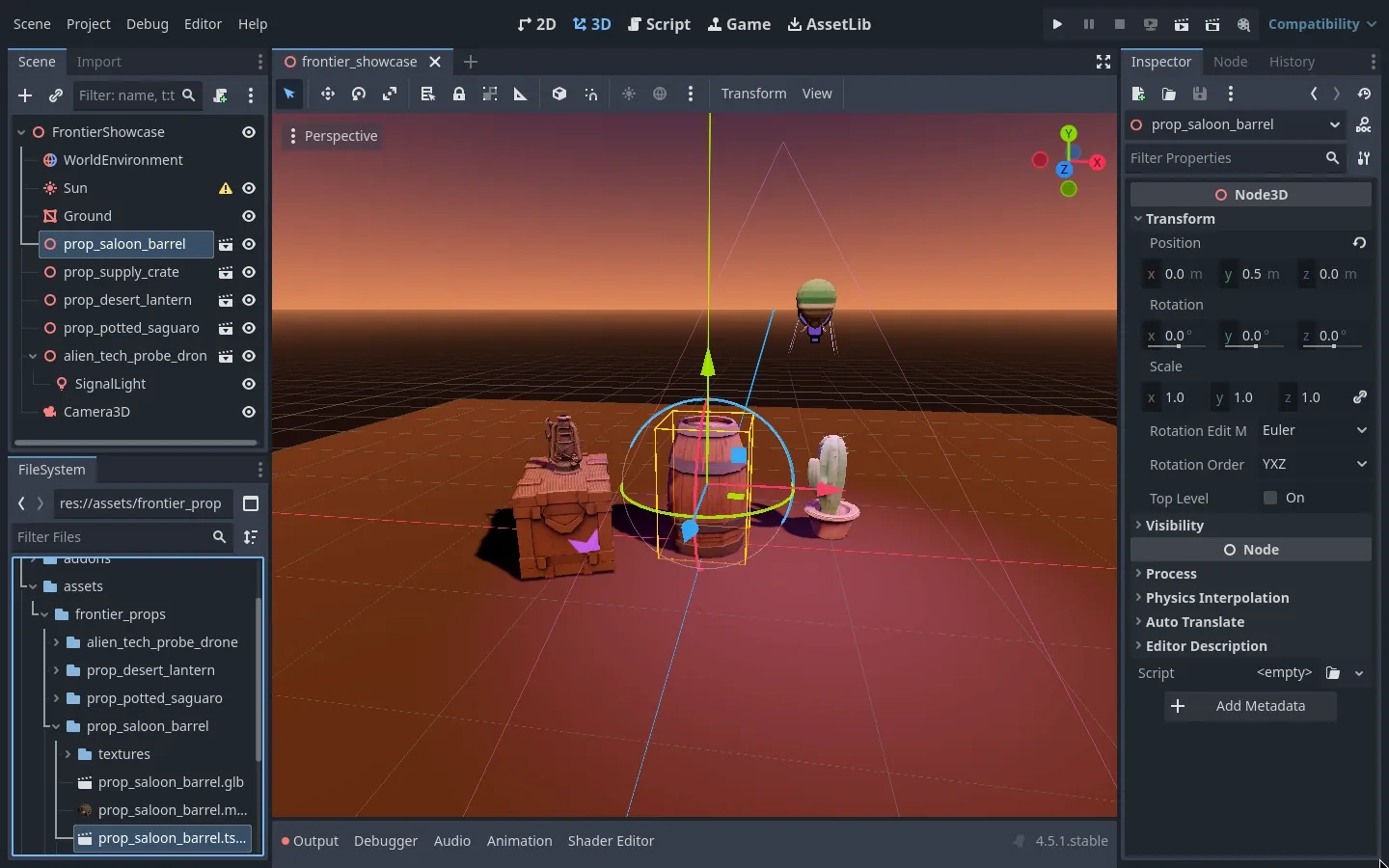
Everything you make is saved to the project library with its version history and license. When a pack is approved, export it as one zip for your engine. The zip includes a provenance file and a disclosure file listing what was generated.
Version history
Each save adds a version. You can compare versions side by side and restore an older one.
Licenses
Mark each file as original, CC0, licensed or reference only. The label stays with the asset when you edit it.
Lookbook
Set a palette and polygon budgets for the project. Assets that don’t match or go over budget get flagged.
Review
Approve a version or send it back with a note. Only approved versions are exported.